Role-Based Access Control in Laravel: A Complete Guide with LaraDashboard
Authorization is one of those features that seems straightforward until you actually build it. You start with a simple `is_admin` boolean, then you need editors, moderators, managers, and suddenly you are maintaining a tangled web of conditional checks scattered across your controllers.
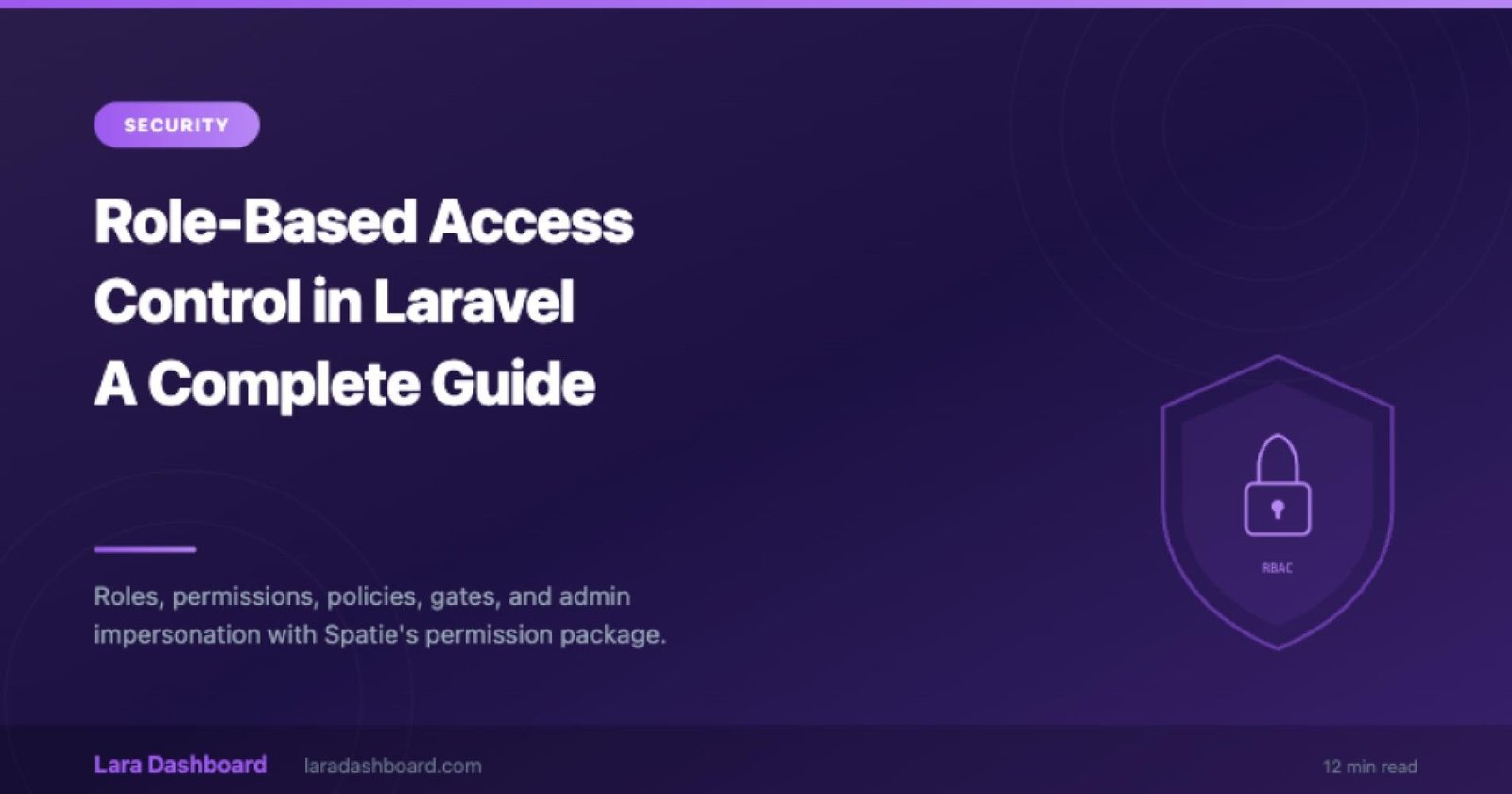
Lara Dashboard ships with a complete role-based access control system built on top of Spatie's laravel-permission package, integrated with Laravel's native gates and policies. This guide walks through how it all works together.
The Foundation: Roles and Permissions
Lara Dashboard uses a two-tier authorization model:
- Permissions define individual capabilities: posts.create, users.delete, settings.edit
- Roles group permissions together: an Editor role might have posts.create and posts.edit but not users.delete
Users are assigned one or more roles, and each role carries a set of permissions. When a user attempts an action, the system checks whether any of their roles include the required permission.
Creating Roles from the Admin Panel
The admin panel provides a visual interface for managing roles. Create a new role, give it a descriptive name, and check the permissions it should include. Permissions are organized by feature area (Users, Posts, Settings, etc.), making it easy to build coherent role definitions.
Assigning Roles to Users
Each user profile includes a role assignment section. A user can hold multiple roles simultaneously. If a user is both an Editor and a Support Agent, they inherit the combined permissions of both roles.
How Authorization Checks Work
Lara Dashboard enforces authorization at multiple layers, so a missed check in one place does not expose a vulnerability elsewhere.
Middleware Layer
Route groups are protected by middleware that checks for specific permissions before the request reaches the controller:
Route::middleware(['permission:posts.create'])->group(function () {
   Route::get('/posts/create', [PostController::class, 'create']);
   Route::post('/posts', [PostController::class, 'store']);
});
Controller Layer
Inside controllers, authorization checks use Laravel's `authorize()` method, which delegates to policies:
public function update(UpdatePostRequest $request, Post $post) {
    $this->authorize('update', $post);
    // proceed with update
}
Policy Layer
Policies define the rules for each model. A PostPolicy might allow users to edit their own posts but restrict deletion to administrators:
class PostPolicy {
   public function update(User $user, Post $post): bool {
      return $user->hasPermissionTo('posts.edit') || $post->author_id === $user->id;
   }


   public function delete(User $user, Post $post): bool {
      return $user->hasPermissionTo('posts.delete');
   }
}
Blade Directive Layer
In templates, use Blade directives to conditionally render UI elements based on the current user's permissions:
This ensures that users only see actions they are authorized to perform, reducing confusion and preventing accidental unauthorized requests.
@can('posts.create')
   <a href="{{ route('posts.create') }}">
       New Post
   </a>
@endcan


@role('super-admin')
   <a href="{{ route('settings.index') }}">
       System Settings
   </a>
@endrole
This ensures that users only see actions they are authorized to perform, reducing confusion and preventing accidental unauthorized requests.
Module-Scoped Permissions
Module-Scoped Permissions
One of Lara Dashboard's architectural strengths is how permissions scale with the module system. Each module defines its own permission set:
- **CRM module**: `crm.contacts.view`, `crm.contacts.create`, `crm.deals.manage`
- **Forum module**: `forum.topics.create`, `forum.topics.moderate`, `forum.replies.delete`
- **Custom Form module**: `forms.create`, `forms.submissions.export`
When a module is installed, its permissions are registered automatically. When a module is disabled, its permissions become inactive. This means your authorization system stays clean and relevant to the features actually in use.
Admin Impersonation
Sometimes an administrator needs to see the application through another user's eyes, whether for debugging, support, or quality assurance. Lara Dashboard includes a secure impersonation feature that lets admins temporarily assume another user's session.
Key safeguards:
- Only users with the impersonation permission can initiate a switch
- The original admin session is preserved and can be restored with one click
- Impersonation events are logged in the activity log for audit purposes
- Impersonated sessions cannot perform destructive administrative actions
Activity Logging
Every significant action in Lara Dashboard is recorded in the activity log. When a role is modified, a permission is granted, or a user is deleted, the log captures who performed the action, what changed, and when it happened.
This audit trail is essential for compliance, debugging, and accountability. Filter logs by user, action type, or date range to find exactly what you need.
Practical Authorization Patterns
Pattern 1: Owner-Based Access
Allow users to manage their own resources while restricting access to other users' data:
public function update(User $user, Contact $contact): bool
{
    return $user->hasPermissionTo('crm.contacts.edit')
        && $contact->owner_id === $user->id;
}
Pattern 2: Hierarchical Roles
Some organizations need role hierarchies where a Manager inherits all Editor permissions. Achieve this by assigning the Manager role both its own permissions and those of the Editor role.
Pattern 3: Feature Flags via Permissions
Use permissions as feature flags to gradually roll out new functionality:
@can('beta.new-editor')
    {{-- Render the new block editor --}}
@else
    {{-- Render the classic editor --}}
@endcan
Pattern 4: API Token Scoping
When issuing Sanctum API tokens, scope them to specific abilities that map to your permission system:
$token = $user->createToken('mobile-app', ['posts.read', 'posts.create']);Security Considerations
Always check authorization server-side: Hiding a button in the UI is not security. Every controller action must verify permission independently.
Use FormRequest authorization: The authorize() method in FormRequest classes provides a clean place to check permissions before validation even runs.
Audit role changes: Anytime a role's permissions change, review which users hold that role and what new access they gain.
Principle of least privilege: Start with minimal permissions and add more as needed. It is much safer to grant access than to revoke it after a breach.
Role-based access control is a foundational requirement for any multi-user application. Lara Dashboard provides the infrastructure, the patterns, and the admin tools to implement it correctly, so you can focus on building features instead of reinventing authorization.